| 26 X3D Models |
X3D Model Descriptions |
|
Figure04_01TextShape
|
Text Shape, with coordinate axes superimposed to show X3D/VRML directions |
|
Figure04_01TextShapeWithAxes
|
Text Shape, with coordinate axes superimposed to show X3D/VRML directions |
|
Figure04_02ListOfTextStrings
|
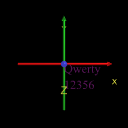
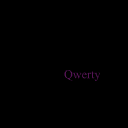
Text Shape, with coordinate axes superimposed to show X3D/VRML directions |
|
Figure04_02ListOfTextStringsWithAxes
|
Text Shape, with coordinate axes superimposed to show X3D/VRML directions |
|
Figure04_03CompressedText
|
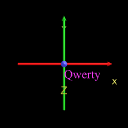
Compressed text using a small length field value. |
|
Figure04_03CompressedTextWithAxes
|
Compressed text using a small length field value, with coordinate axes superimposed to show X3D/VRML directions |
|
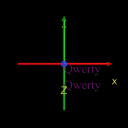
Figure04_04ListTextStringsAndLengths
|
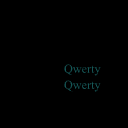
A list of text strings with a list of lengths. |
|
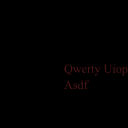
Figure04_04ListTextStringsAndLengthsWithAxes
|
Compressed text using a small length field value, with coordinate axes superimposed to show X3D/VRML directions |
|
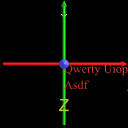
Figure04_05TextLimitedByMaximumExtent
|
Text Limited By Maximum Extent. |
|
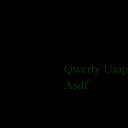
Figure04_05TextLimitedByMaximumExtentWithAxes
|
Text Limited By Maximum Extent, with coordinate axes superimposed to show X3D/VRML directions |
|
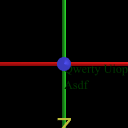
Figure04_06aTextPlainSerifFont
|
Text in a plain serif font. Compare with Figure 4.6b. |
|
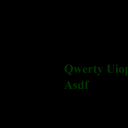
Figure04_06aTextPlainSerifFontWithAxes
|
Text in a plain serif font, with coordinate axes superimposed to show X3D/VRML directions. Compare with Figure 4.6b. |
|
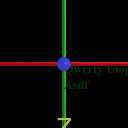
Figure04_06bTextBoldSerifFont
|
Text in a bold serif font. Compare with Figure 4.6a. |
|
Figure04_06bTextBoldSerifFontWithAxes
|
Text in a bold serif font, with coordinate axes superimposed to show X3D/VRML directions. Compare with Figure 4.6a. |
|
Figure04_07SmallText
|
Small Text. |
|
Figure04_07SmallTextWithAxes
|
Small Text, with coordinate axes superimposed to show X3D/VRML directions |
|
Figure04_08aTextMoreLineSpacing
|
Text with more-than-default spacing between lines. Compare with Figure 4.8b. |
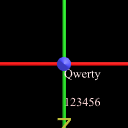
|
Figure04_08aTextMoreLineSpacingWithAxes
|
Text with more-than-default spacing between lines, with coordinate axes superimposed to show X3D/VRML directions. Compare with Figure 4.8b. |
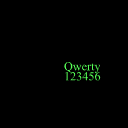
|
Figure04_08bTextLessLineSpacing
|
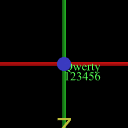
Text with less-than-default spacing between lines, causing the lines of text to overlap. Compare with Figure 4.8a. |
|
Figure04_08bTextLessLineSpacingWithAxes
|
Text with less-than-default spacing between lines, causing the lines of text to overlap, with coordinate axes superimposed to show X3D/VRML directions. Compare with Figure 4.8a. |
|
Figure04_09TwoTextShapesDifferentJustification
|
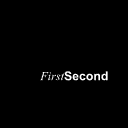
Two text shapes with different types of justification. |
|
Figure04_09TwoTextShapesDifferentJustificationWithAxes
|
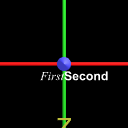
Two text shapes with different types of justification, with coordinate axes superimposed to show X3D/VRML directions |
|
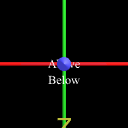
Figure04_10TwoLinesTextFlatBox
|
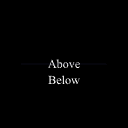
Two lines of text with a flat box between them. |
|
Figure04_10TwoLinesTextFlatBoxWithAxes
|
Two lines of text with a flat box between them, with coordinate axes superimposed to show X3D/VRML directions |
|
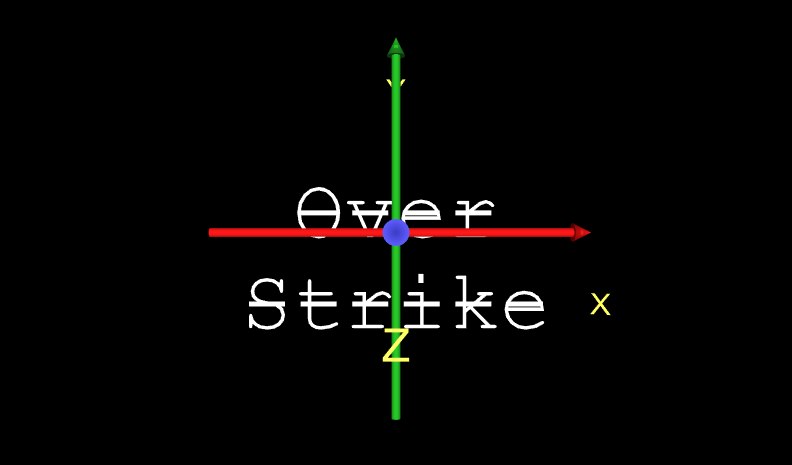
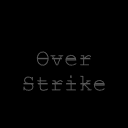
Figure04_11TextOverstrikeFont
|
Show overstrike, using DEF and USE to share font properties. |
|
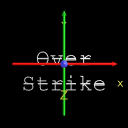
Figure04_11TextOverstrikeFontWithAxes
|
Show overstrike, using DEF and USE to share font properties, with coordinate axes superimposed to show X3D/VRML directions |