
| 1 |
<?xml version="1.0" encoding="UTF-8"?>
|
| 2 |
<!DOCTYPE X3D PUBLIC "ISO//Web3D//DTD X3D 3.3//EN" "https://www.web3d.org/specifications/x3d-3.3.dtd">
|
| 3 | <X3D profile='Immersive' version='3.3' xmlns:xsd='http://www.w3.org/2001/XMLSchema-instance' xsd:noNamespaceSchemaLocation='https://www.web3d.org/specifications/x3d-3.3.xsd'> |
| 4 | <head> |
| 5 | <meta name='title' content=' HelloX3dAuthorsAnimationChain.x3d '/> |
| 6 | <meta name='creator' content='Don Brutzman'/> |
| 7 | <meta name='created' content='5 October 2000'/> |
| 8 | <meta name='modified' content='7 September 2024'/> |
| 9 | <meta name='description' content='Fully developed animation-chain example showing spinning globe and text: Hello!'/> |
| 10 | <meta name='reference' content=' Chapter07-EventAnimationInterpolation.10StepAnimationDesignProcess.pdf '/> |
| 11 | <meta name='reference' content=' Chapter07-EventAnimationInterpolation-EventTracing.pdf '/> |
| 12 | <meta name='identifier' content=' https://www.web3d.org/x3d/content/examples/X3dForWebAuthors/Chapter07EventAnimationInterpolation/HelloX3dAuthorsAnimationChain.x3d '/> |
| 13 | <meta name='generator' content='X3D-Edit 4.0, https://www.web3d.org/x3d/tools/X3D-Edit'/> |
| 14 | <meta name='license' content='../license.html'/> |
| 15 | </head> |
 DEF nodes index:
ClickTriggerTouchSensor,
EarthCoordinateSystem,
MiniWorld,
OrbitalTimeInterval,
SimpleGeoStationarySatellite,
SpinThoseThings
DEF nodes index:
ClickTriggerTouchSensor,
EarthCoordinateSystem,
MiniWorld,
OrbitalTimeInterval,
SimpleGeoStationarySatellite,
SpinThoseThings
| 16 | <Scene> |
| 17 | <WorldInfo info='"an introductory scene"' title='Hello X3D Authors Animation Chain'/> |
| 18 | <Viewpoint description='Hello, world' orientation='0 1 0 3.14159' position='0 0 -8'/> |
| 19 | <!-- change TimeSensor loop='true' to enable automatic animation when loaded, rather than TouchSensor trigger to start --> |
| 20 |
<!-- ROUTE information for OrbitalTimeInterval node:
[from ClickTriggerTouchSensor.touchTime to startTime
]
[from fraction_changed to SpinThoseThings.set_fraction
]
-->
<TimeSensor DEF='OrbitalTimeInterval' cycleInterval='12'/> |
| 21 |
<!-- ROUTE information for SpinThoseThings node:
[from OrbitalTimeInterval.fraction_changed to set_fraction
]
[from value_changed to EarthCoordinateSystem.set_rotation
]
-->
<OrientationInterpolator DEF='SpinThoseThings' key='0.00 0.25 0.50 0.75 1.00' keyValue='0 1 0 0 0 1 0 1.57079 0 1 0 3.14159 0 1 0 4.7123889 0 1 0 6.2831852'/> |
| 22 | < ROUTE fromNode='OrbitalTimeInterval' fromField='fraction_changed' toNode='SpinThoseThings' toField='set_fraction'/> |
| 23 |
<!-- ROUTE information for EarthCoordinateSystem node:
[from SpinThoseThings.value_changed to set_rotation
]
-->
<Transform DEF='EarthCoordinateSystem'> |
| 24 | < ROUTE fromNode='SpinThoseThings' fromField='value_changed' toNode='EarthCoordinateSystem' toField='set_rotation'/> |
| 25 | <Group DEF='MiniWorld'> |
| 26 | <Shape> |
| 27 | <Appearance> |
| 28 |
<ImageTexture
url=' "../../earth-topo.png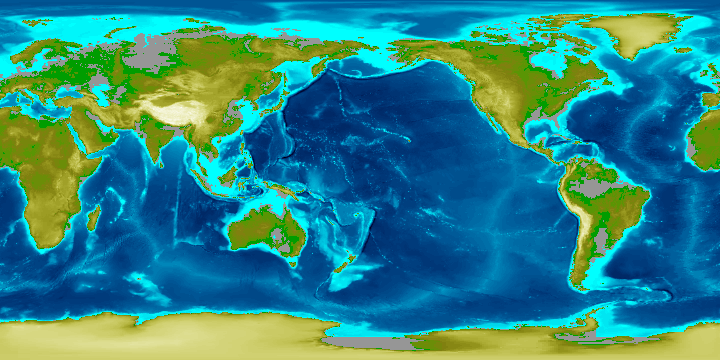 " "../../earth-topo.gif
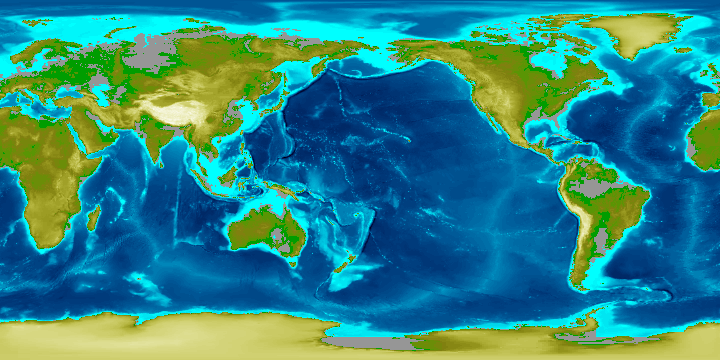 " "../../earth-topo-small.gif
 " "https://www.web3d.org/x3d/content/examples/X3dForWebAuthors/earth-topo.png
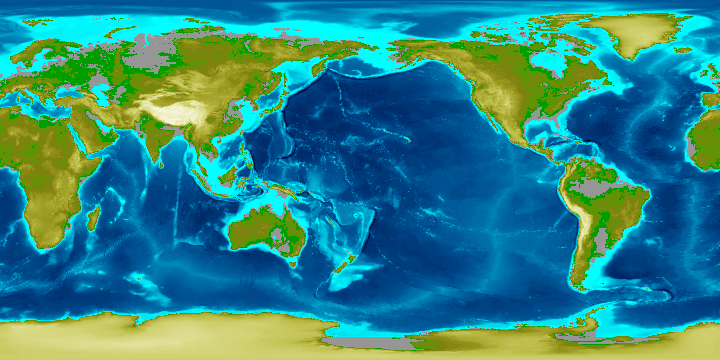 " "https://www.web3d.org/x3d/content/examples/X3dForWebAuthors/earth-topo.gif
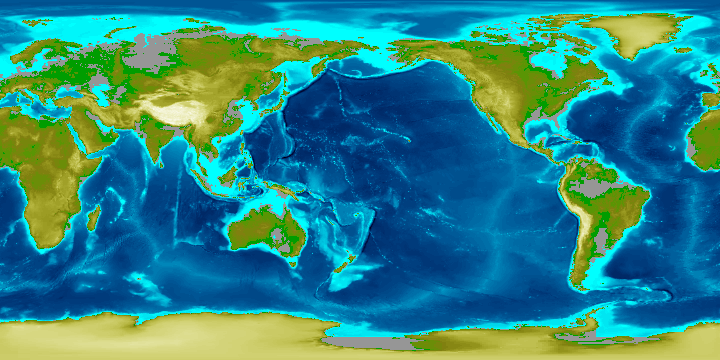 " "https://www.web3d.org/x3d/content/examples/X3dForWebAuthors/earth-topo-small.gif
 " '/>
" '/>
|
| 29 | </Appearance> |
| 30 | <Sphere/> |
| 31 | </Shape> |
| 32 | </Group> |
| 33 | <Transform DEF='SimpleGeoStationarySatellite' rotation='1 0 0 .3' scale='0.1 0.3 0.1' translation='0 0 5'> |
| 34 | <Shape> |
| 35 | <Appearance> |
| 36 | <Material diffuseColor='0.9 0.1 0.1' emissiveColor='0.9 0.2 0.1'/> |
| 37 | </Appearance> |
| 38 | <Text string='"Hello X3D Authors !!"'> |
| 39 | <FontStyle size='3'/> |
| 40 | </Text> |
| 41 | </Shape> |
| 42 | </Transform> |
| 43 |
<!-- ROUTE information for ClickTriggerTouchSensor node:
[from touchTime to OrbitalTimeInterval.startTime
]
-->
<TouchSensor DEF='ClickTriggerTouchSensor' description='Click to start animation'/> |
| 44 | < ROUTE fromNode='ClickTriggerTouchSensor' fromField='touchTime' toNode='OrbitalTimeInterval' toField='startTime'/> |
| 45 | </Transform> |
| 46 | </Scene> |
| 47 | </X3D> |
DEF nodes index:
ClickTriggerTouchSensor,
EarthCoordinateSystem,
MiniWorld,
OrbitalTimeInterval,
SimpleGeoStationarySatellite,
SpinThoseThings
Event Graph ROUTE Table entries with 3 ROUTE connections total, showing X3D event-model relationships for this scene.
Each row shows an event cascade that may occur during a single timestamp interval between frame renderings, as part of the X3D execution model.
|
ClickTriggerTouchSensor
TouchSensor touchTime SFTime |
OrbitalTimeInterval
TimeSensor startTime SFTime |
then
|
OrbitalTimeInterval
TimeSensor fraction_changed SFFloat |
SpinThoseThings
OrientationInterpolator set_fraction SFFloat |
then
|
SpinThoseThings
OrientationInterpolator value_changed SFRotation |
EarthCoordinateSystem
Transform set_rotation SFRotation |
 Version control at
<!--
Color-coding legend: X3D terminology
<X3dNode DEF='idName' field='value'/>
matches XML terminology
<XmlElement DEF='idName' attribute='value'/>
(Light-blue background: event-based behavior node or statement)
(Grey background inside box: inserted documentation)
(Magenta background: X3D Extensibility)
-->
<!--
For additional help information about X3D scenes, please see X3D Tooltips, X3D Resources, and X3D Scene Authoring Hints.
-->
