


|
|
|
|
|
|
|
| 9 X3D Scenes | Scene Descriptions | |
|---|---|---|

|
Figure 19.21 Normal Square | A square face and four normals. Also see Figures 19.21 and 19.22 for comparison. |

|
Figure 19.22 Normal Square Shaded | A square face with two normals pointing along the positive Z axis and two normals pointing along the positive X axis. Also see Figures 19.21 and 19.22 for comparison. |

|
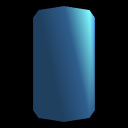
Figure 19.23 Half Column | A smooth-shaded half column using a crease angle. Compare Figures 19.23, 19.24a, 19.24b, 19.25a and 19.25b. |
|
Figure 19.24a Half Column Crease Angle | A smooth-shaded half column using a crease angle. Compare Figures 19.23, 19.24a, 19.24b, 19.25a and 19.25b. |

|
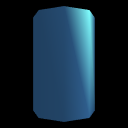
Figure 19.24b Two Half Columns Crease Angle Seam | A smooth-shaded half column using a crease angle - note seams where each smoothly shaded half-column meets. Compare Figures 19.23, 19.24a, 19.24b, 19.25a and 19.25b. |
|
Figure 19.25a Half Column Normals | A smooth-shaded half column using a crease angle. Compare Figures 19.23, 19.24a, 19.24b, 19.25a and 19.25b. |

|
Figure 19.25b Two Half Columns Normals Seamless | A smooth-shaded half column using a crease angle. Compare Figures 19.23, 19.24a, 19.24b, 19.25a and 19.25b. |

|
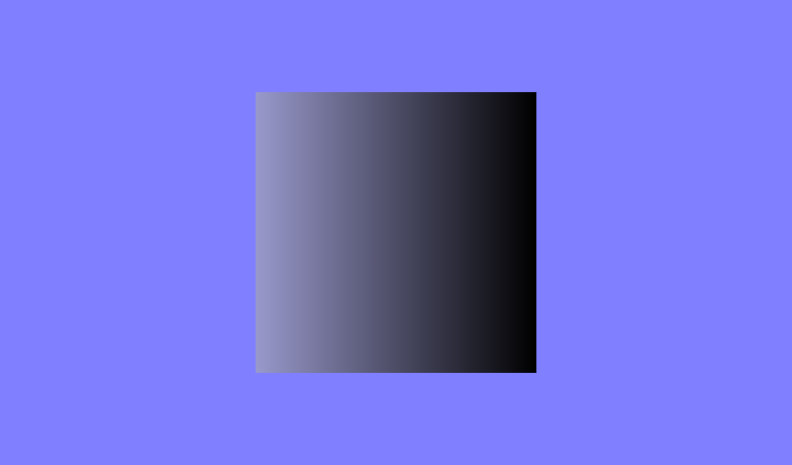
Figure 19.26 Normal Shaded Elevation Grid | An elevation grid using a special shading effect. |

|
Figure 19.27 Square Face Animating Normals | An elevation grid using a special shading effect. |
Online at http://www.web3d.org/x3d/content/examples/Vrml2Sourcebook/Chapter19-NormalsShading
Master source code archive is under subversion control at
http://sourceforge.net/p/x3d/code/HEAD/tree/www.web3d.org/x3d/content/examples/Vrml2Sourcebook/Chapter19-NormalsShading
|
|
|
|
|
|
Also available: current and archived nightly builds and distributions of these examples, all published under an Open-Source License.
The X3D Resources: Examples page and Savage Developers Guide provide more information about the production of this archive.
_ElevationGrid.png "Figure 19.26 Normal Shaded Elevation Grid")