|
This chapter describes
how to build Text shapes with accompanying FontStyle nodes to vary how strings are presented.
These X3D scenes are adapted directly from the
original VRML 2.0 Sourcebook chapter examples.
Also available:
Introduction to VRML97 SIGGRAPH98 course notes.
|


![[1] Figure04.01TextShape.x3d - (default X3D view from 0 0 10)](_viewpoints/Figure04.01TextShape.x3d._VP_Default_viewpoint.png)


 [2] Figure04.01TextShapeWithAxes.x3d - (default X3D view from 0 0 10)
 [3] Figure04.02ListOfTextStrings.x3d - (default X3D view from 0 0 10)
 [4] Figure04.02ListOfTextStringsWithAxes.x3d - (default X3D view)
 [5] Figure04.03CompressedText.x3d - (default X3D view from 0 0 10)
 [6] Figure04.03CompressedTextWithAxes.x3d - (default X3D view from 0 0 10)
 [7] Figure04.04ListTextStringsAndLengths.x3d - (default X3D view)
 [8] Figure04.04ListTextStringsAndLengthsWithAxes.x3d - (default X3D view)
 [9] Figure04.05TextLimitedByMaximumExtent.x3d - (default X3D view)
 [10] Figure04.05TextLimitedByMaximumExtentWithAxes.x3d - (default X3D view)
 [11] Figure04.06aTextPlainSerifFont.x3d - (default X3D view from 0 0 10)
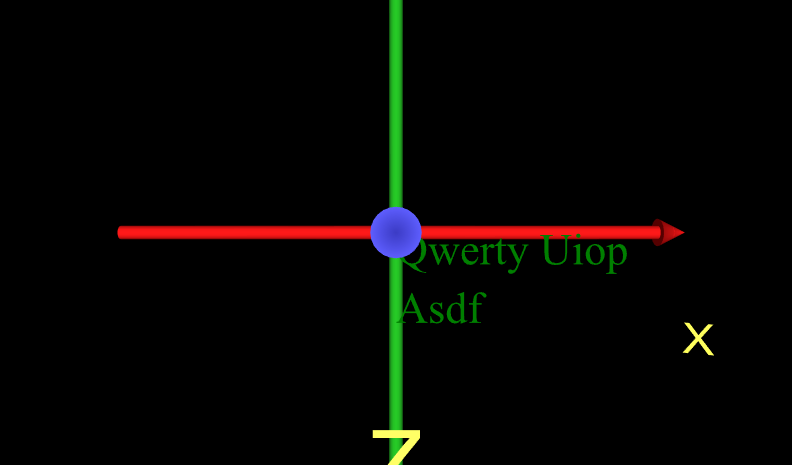 [12] Figure04.06aTextPlainSerifFontWithAxes.x3d - (default X3D view)
 [13] Figure04.06bTextBoldSerifFont.x3d - (default X3D view from 0 0 10)
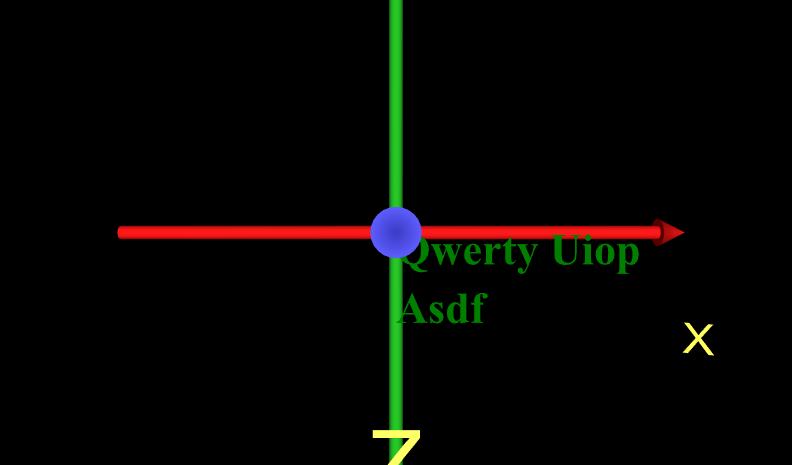 [14] Figure04.06bTextBoldSerifFontWithAxes.x3d - (default X3D view)
 [15] Figure04.07SmallText.x3d - (default X3D view from 0 0 10)
 [16] Figure04.07SmallTextWithAxes.x3d - (default X3D view from 0 0 10)
 [17] Figure04.08aTextMoreLineSpacing.x3d - (default X3D view from 0 0 10)
 [18] Figure04.08aTextMoreLineSpacingWithAxes.x3d - (default X3D view)
 [19] Figure04.08bTextLessLineSpacing.x3d - (default X3D view from 0 0 10)
 [20] Figure04.08bTextLessLineSpacingWithAxes.x3d - (default X3D view)
 [21] Figure04.09TwoTextShapesDifferentJustification.x3d -
 [22] Figure04.09TwoTextShapesDifferentJustificationWithAxes.x3d -
 [23] Figure04.10TwoLinesTextFlatBox.x3d - (default X3D view from 0 0 10)
 [24] Figure04.10TwoLinesTextFlatBoxWithAxes.x3d - (default X3D view)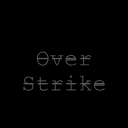
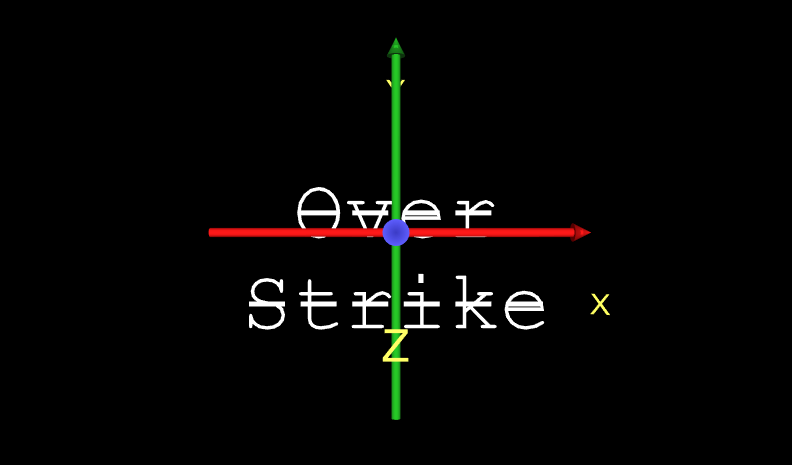
 [25] Figure04.11TextOverstrikeFont.x3d - View from 30m away
_is_way_too_close!!_That_is_a_bad_place_to_be,_provide_a_replacement_viewpoint_instead..png) [26] Figure04.11TextOverstrikeFont.x3d - Default viewpoint at (0 0 10) is way too close!! That is a bad place to be, provide a replacement viewpoint instead.
[26] Figure04.11TextOverstrikeFont.x3d - Default viewpoint at (0 0 10) is way too close!! That is a bad place to be, provide a replacement viewpoint instead. [27] Figure04.11TextOverstrikeFont.x3d - (default X3D view from 0 0 10)
_is_way_too_close!!_That_is_a_bad_place_to_be,_provide_a_replacement_viewpoint_instead..png) [29] Figure04.11TextOverstrikeFontWithAxes.x3d - Default viewpoint at (0 0 10) is way too close!! That is a bad place to be, provide a replacement viewpoint instead.
[29] Figure04.11TextOverstrikeFontWithAxes.x3d - Default viewpoint at (0 0 10) is way too close!! That is a bad place to be, provide a replacement viewpoint instead. [30] Figure04.11TextOverstrikeFontWithAxes.x3d - (default X3D view)